

Looking for OpnForm alternatives? You're not alone.
OpnForm is solid. It's open-source, free for most features, and you can build forms without coding. You might already know this, but it doesn't work for everyone.
Maybe you need better analytics. Or you're tired of slow loading times. Perhaps you want something that handles surveys, not just forms. Or you hit a wall trying to get support.
We tested 12 different form builders over the past six months. Some for our team. Some for clients. We ran real campaigns, collected actual data, and dealt with real problems.
This guide breaks down the best OpnForm alternatives based on what you actually need. Not what some marketing page promises.
In this guide, we will look at why people switch from OpnForm, the best open-source OpnForm alternatives, top cloud-based form builder options, survey-focused platforms that work better and how you need to choose the right tool for your needs.
Let's start with why teams leave OpnForm in the first place.
Why Teams Look for OpnForm Alternatives
OpnForm gets a lot right. Free plan. Unlimited forms. No vendor lock-in.
But after using it for a while and checking with other users too, we found gaps.
Limited Support Options
OpnForm is open-source. Great for developers. Tough for pretty much everyone else.
When something breaks, you're on your own. The Discord community helps sometimes. But there's no phone support. No live chat. No ticketing system.
For small teams without tech skills, this becomes a problem fast.
Basic Analytics Features
OpnForm shows you submissions. That's about it.
If you want segmentation, cross-tab reports, sentiment analysis, or even simple breakdowns, you’ll need to export everything into Excel or another tool.
One marketing team we talked to spent 4 hours each week cleaning OpnForm data. They switched to a tool with better reporting and cut that to 30 minutes.
Performance Issues with Large Forms
Forms with 20+ questions? They slow down.
We tested a customer survey with 35 questions and file uploads. Load time hit 8 seconds on mobile. Response rates dropped 23%.
Smaller forms work fine. Complex surveys need something stronger.
Integration Gaps
OpnForm integrates with Zapier, which covers basics. But native connections to CRMs, analytics tools, or marketing automation platforms are limited.
If you need automation-heavy workflows, this matters a lot.
Best Overall OpnForm Alternative (Our Top Pick)
1. SurveySparrow — Best OpnForm Alternative for Surveys & CX
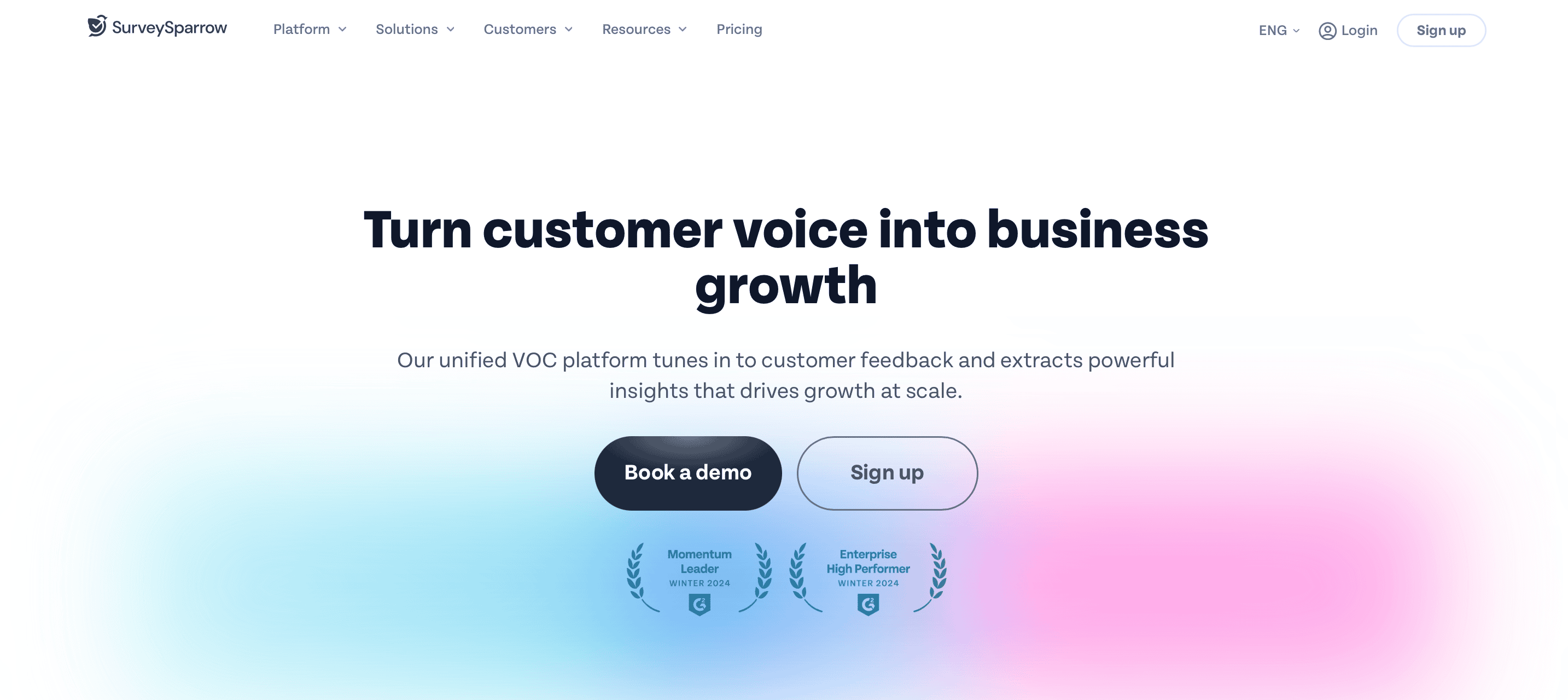
If you're leaving OpnForm because you want better surveys, better analytics, and better response rates, SurveySparrow is the strongest alternative by far.
SurveySparrow’s conversational interface feels like a chat—not a form. People actually finish the surveys. We’ve seen a 40% increase in completion rates in clients using SurveySparrow.
Why SurveySparrow Beats OpnForm
SurveySparrow handles everything OpnForm struggles with:
Smarter analytics
Faster mobile experience
Better logic control
Stronger integrations
Actual customer support
Example from SurveySparrow’s client’s usage:
Decathlon improved their feedback from 10% to 45%, and Meesho 7x’d their feedback reach boost using SurveySparrow’s suite.
Best for: Businesses serious about surveys, feedback, and customer experience—not just forms.
Pricing: Free (100 responses/month) · Paid from $19/month

Tired of OpnForm's Limited Analytics?
A personalized walkthrough by our experts. No strings attached!
Best Open-Source OpnForm Alternatives (2025)
If you want to self-host, protect your data, and avoid subscription fees, these open-source competitors are your best bet.
2. HeyForm: Modern UI with Better Performance
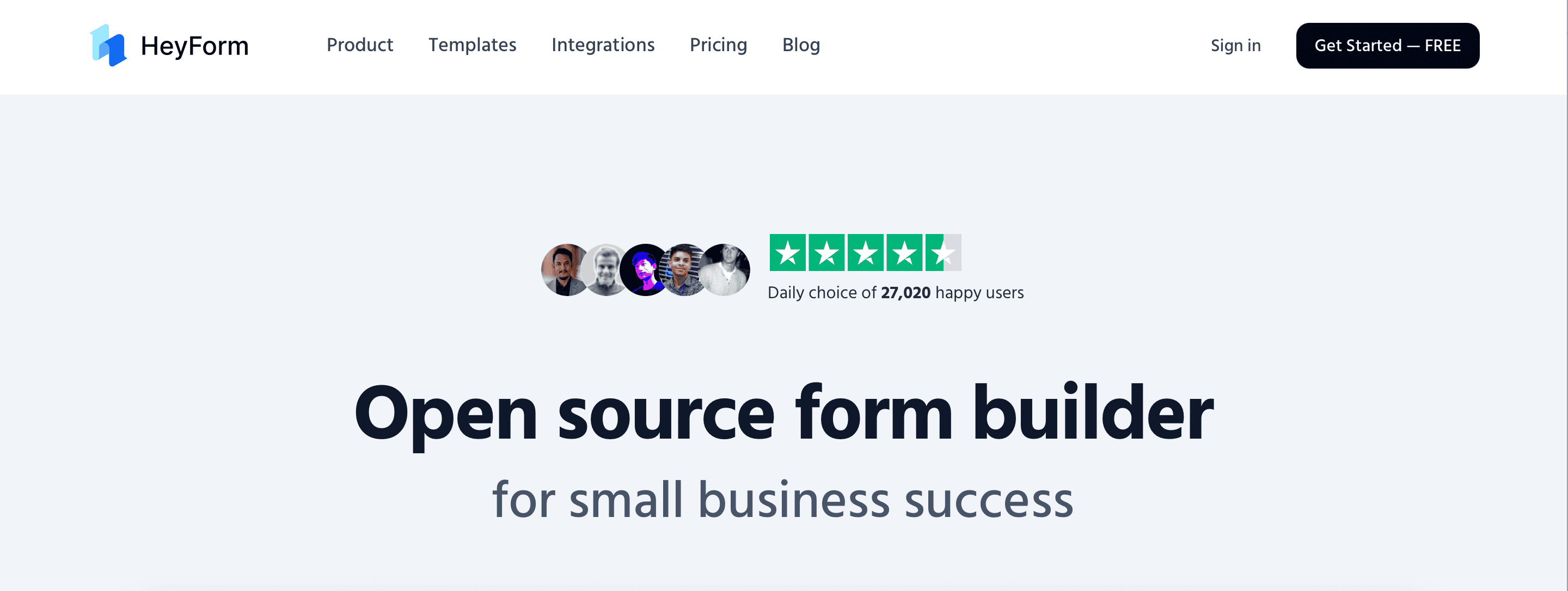
HeyForm feels like Typeform. But it's open-source and free.
The interface is clean. Forms load fast. Mobile experience is smooth. We tested a heavy-duty surveys with 20+ questions, and it loaded in under 3 seconds.
Key Features:
Drag-and-drop builder (no coding needed)
Logic branching works well
File uploads handle large sizes
Templates save setup time
Active GitHub community
Drawbacks:
Analytics are basic
Limited payment integrations
Self-hosting requires technical knowledge
Best for: Teams that want a modern form builder without monthly fees.
Pricing: Free (self-hosted) or cloud hosting starts at $25/month
3. LimeSurvey: Powerful Survey Platform
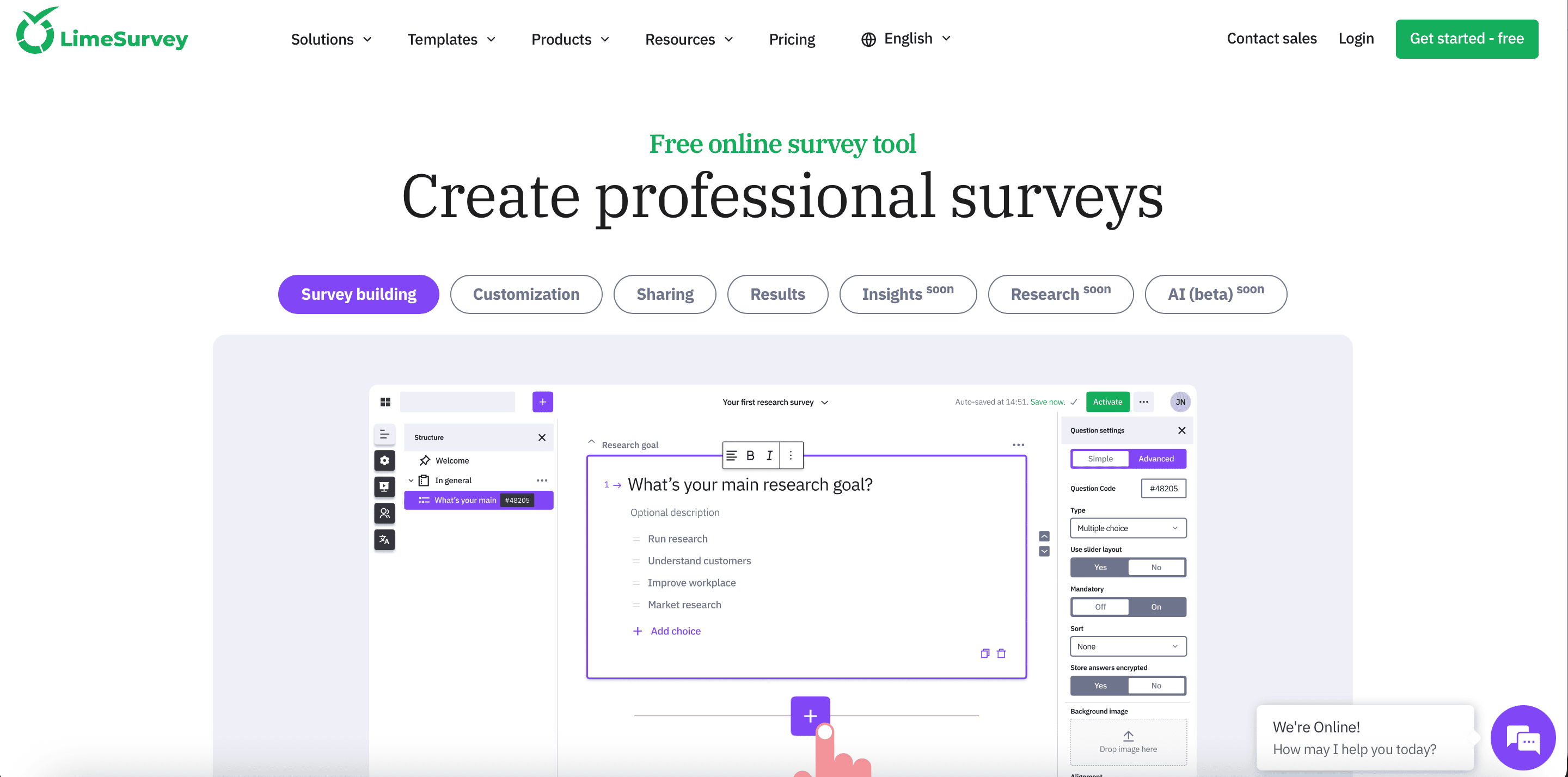
LimeSurvey has been around since 2003. And it shows. The interface looks dated. But don't let that fool you. It handles complex surveys better than most tools at any price.
You get advanced branching, quota management, multi-language support, and deep export formats like SPSS and Stata.
Key Features:
28+ question types
Advanced branching logic
Quota management for research
GDPR compliant
Export to SPSS, R, Stata
Drawbacks:
Steep learning curve
UI feels old
Mobile experience needs work
Setup takes time
Best for: Researchers and organizations running complex surveys.
Pricing: Free (self-hosted) or cloud hosting from $39/month
4. Formbricks: Privacy-First Experience Management
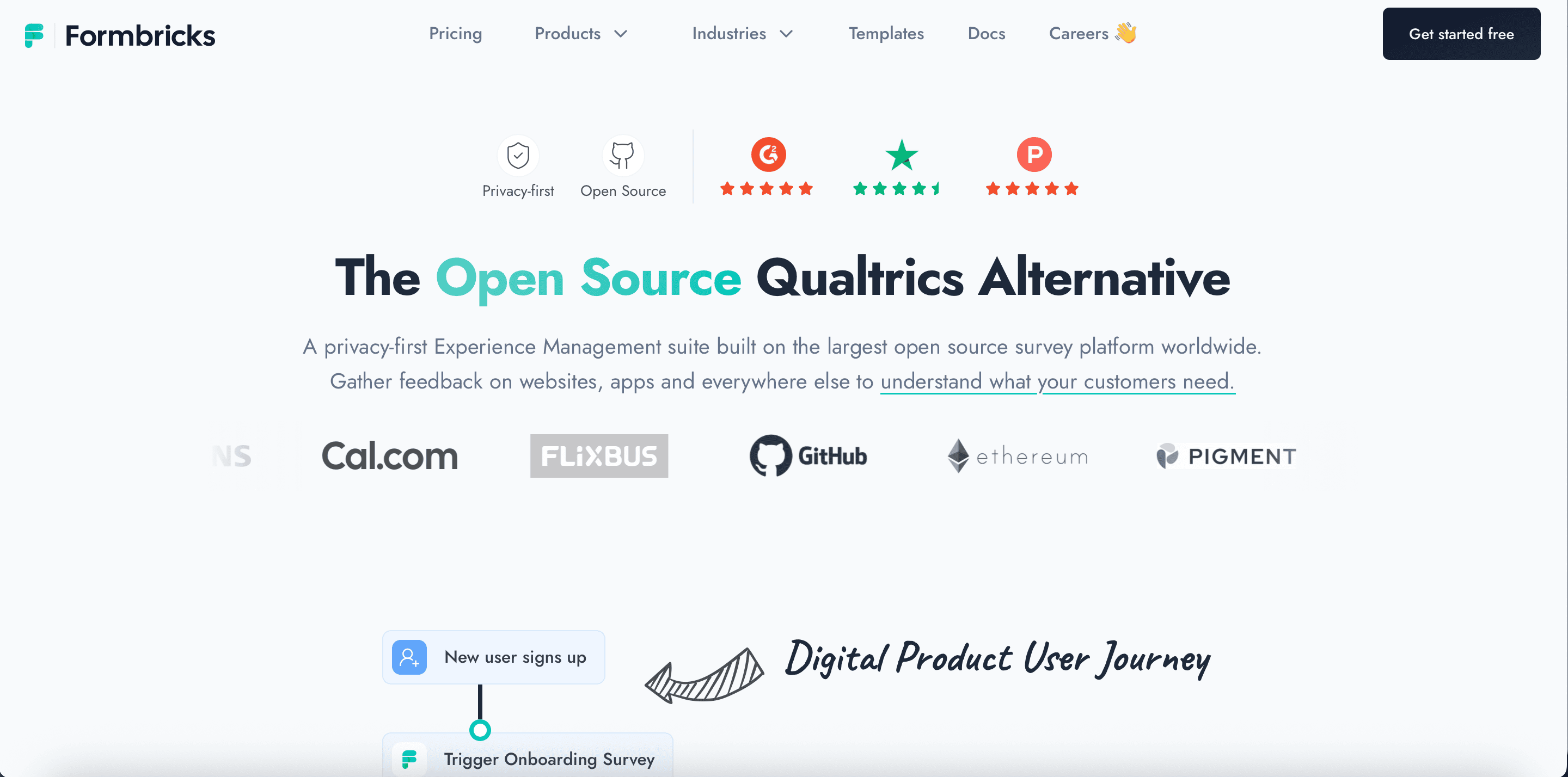
Formbricks does something different. Instead of standalone forms, it captures feedback throughout your customer journey. Think in-app surveys. Website popups. Email follow-ups. All connected.
A SaaS company we know used it to reduce churn. They triggered satisfaction surveys after key actions. Response rate was 34% higher than email surveys.
Key Features:
In-app survey widgets
Privacy-focused (no third-party tracking)
Segmentation features
Dashboard shows partial responses
Active development team
Drawbacks:
Smaller template library
Less flexible for standalone forms
Newer tool (smaller community)
Best for: Product teams tracking user experience across touchpoints.
Pricing: Free (self-hosted) or cloud from $29/month
Best Cloud-Based Form Builder Alternatives
Don't want to host? These cloud options work right away.
5. Google Forms: The Free Standard
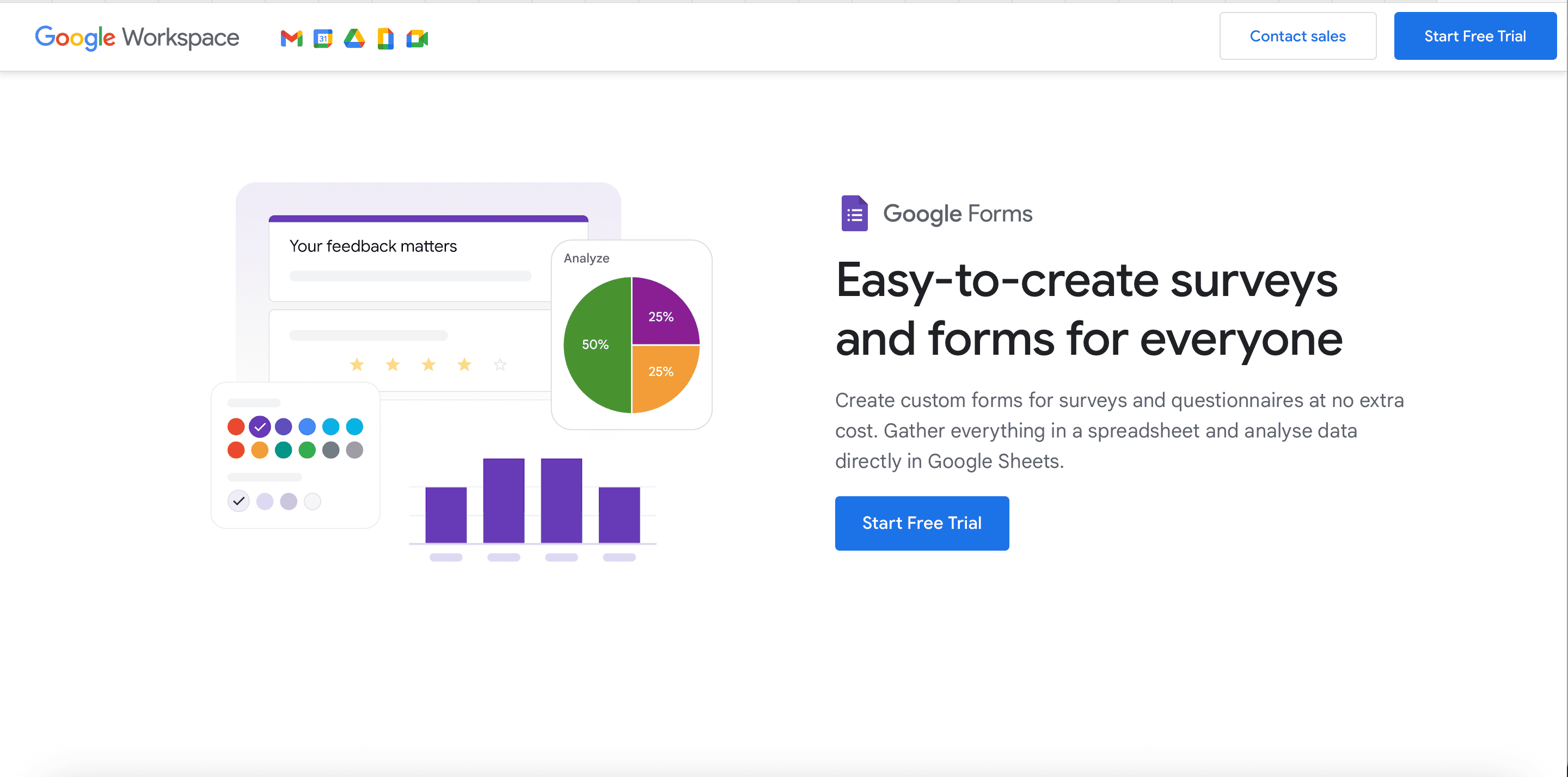
Everyone knows Google Forms. And for good reason.
It's free. Forever. No submission limits. Works with Google Sheets. Everybody in your team probably already knows how to use it.
We use it for simple feedback forms. Event registration. Quick polls. Nothing fancy.
Key Features:
Actually free (not freemium)
Unlimited responses
Google Sheets integration
Team collaboration
Familiar interface
Drawbacks:
Limited design options
Basic conditional logic
No payment collection
Analytics are simple
Looks generic
Best for: Simple forms and teams on zero budget.
Pricing: Free
Best Overall OpnForm Alternative (Our Top Pick)
6. Typeform: Beautiful Interactive Forms

Typeform makes forms people actually enjoy filling out.
One question at a time. Smooth animations. Works great on phones. Conversion rates are higher than traditional forms.
Key Features:
One-question-at-a-time format
Beautiful default designs
Logic jumps work smoothly
Integrates with everything
Video backgrounds possible
Drawbacks:
Expensive for small teams
Limited responses on free plan
Can't export themes
Some features locked behind higher tiers
Best for: Marketing teams focused on conversion rates.
Pricing: Free plan (10 responses/month), paid from $25/month
7. Jotform: Feature-Rich All-Rounder
Jotform tries to do everything. Forms, surveys, approvals, payments. And it does most of it well.
We tested their payment forms for a client's workshop registration. Stripe integration worked perfectly. Conditional pricing adjusted automatically. Email confirmations went out instantly.
Key Features:
10,000+ templates
Payment processing (Stripe, PayPal, Square)
PDF generation
Approval workflows
Mobile form app
Drawbacks:
Interface feels cluttered
Free plan has Jotform branding
Can get expensive with add-ons
Best for: Small businesses needing payment forms and approvals.
Pricing: Free plan (5 forms, 100 responses/month), paid from $34/month
Survey-Focused OpnForm Alternatives
8. SurveyMonkey: Enterprise Survey Solution
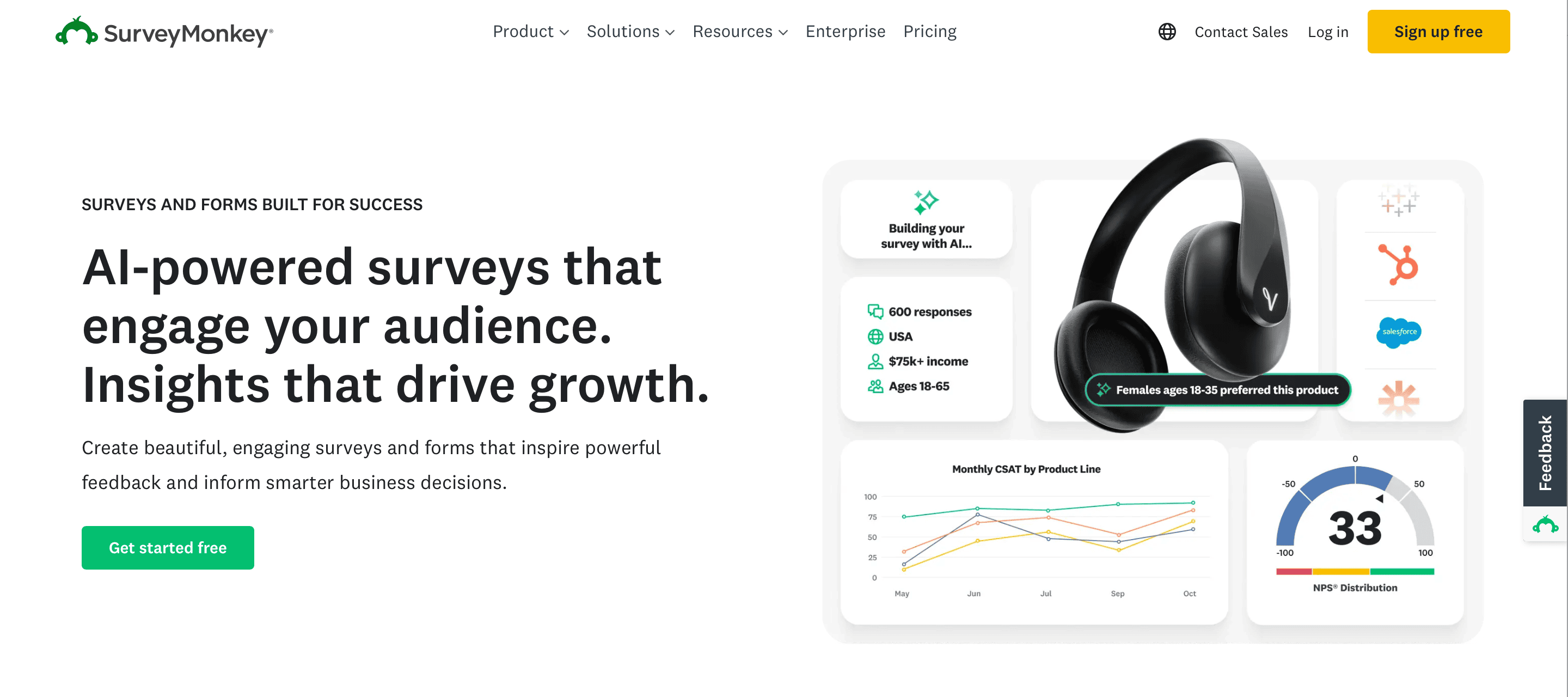
SurveyMonkey is the name everyone recognizes. They've been doing this since 1999.
The enterprise features are strong. Multi-user accounts. HIPAA compliance. SSO integration. Detailed permissions.
But you pay for all that power. And honestly, most small teams don't need it.
Key Features:
Massive question bank
Advanced statistical analysis
Enterprise security features
A/B testing
Benchmarking data
Drawbacks:
Expensive compared to alternatives
Free plan is very limited
Interface feels corporate
Overkill for simple surveys
Best for: Large organizations with compliance requirements.
Pricing: Free plan (10 questions, 25 responses), paid from $39/month
9. Qualtrics: Research-Grade Platform
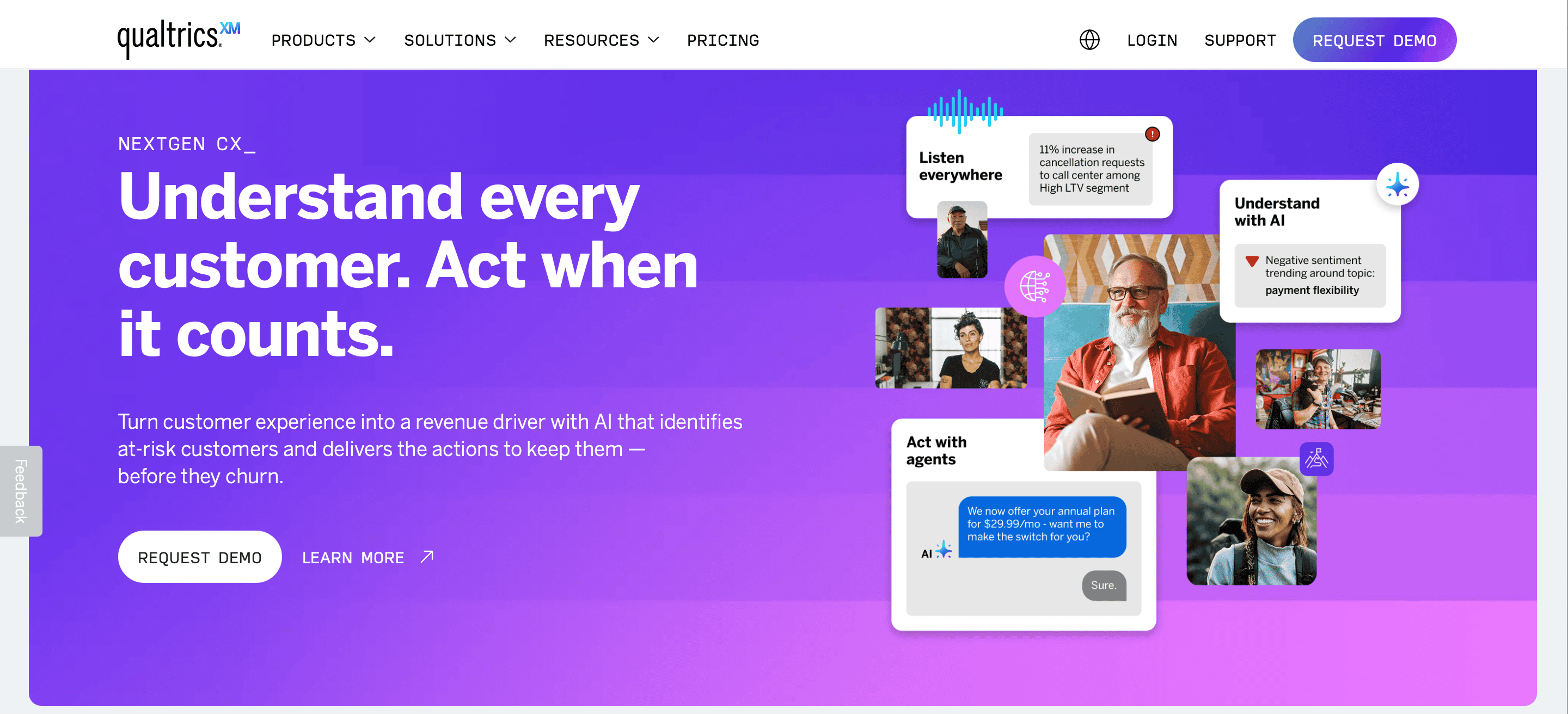
Qualtrics is what universities and Fortune 500 companies use. Statistical analysis that makes Excel cry. Multi-language support for 130+ languages.
It's powerful. Really powerful. Also really expensive.
Key Features:
Advanced research features
Predictive analytics
Text analysis
Custom reporting
Dedicated support
Drawbacks:
Price (starts at $1,500/year)
Steep learning curve
Takes time to implement
Way too much for small teams
Best for: Research teams and enterprises with serious budgets.
Pricing: Custom (expect $1,500+/year)
Specialized Form Builder Options
Sometimes you need something specific.
10. Fillout: Notion Integration Specialist
Work in Notion? Fillout connects directly.
Forms feed straight into Notion databases. No Zapier. No middleware. Just works.
A content team we know uses it for article submissions. Writers fill the form. Content appears in their Notion workspace instantly. Saves hours of copy-pasting.
Best for: Notion power users
Pricing: Free plan available, paid from $19/month
11. Tally: Simple Free Forms
Tally is the new kid. Launched in 2021. Growing fast.
Why? It's actually free. No "free plan with limits." Just free.
Unlimited forms. Unlimited responses. File uploads. Conditional logic. All free.
The catch? Fewer features than paid tools. But for basic forms, it's perfect.
Best for: Anyone needing simple free forms
Pricing: Free (really free)
12. Formstack: Workflow Automation Platform
Formstack connects forms to your entire workflow.
Think document generation. Approval routing. E-signatures. Not just data collection.
A HR team automated their entire onboarding process. Form submission triggers document creation, approval requests, and Slack notifications. All automatic.
Best for: Teams automating complex workflows
Pricing: From $50/month
Quick Comparison: OpnForm vs Top Alternatives
| Feature | OpnForm | SurveySparrow | HeyForm | Google Forms | Typeform |
|---|---|---|---|---|---|
| Price | Free | $19/month | Free/$25 | Free | $25/month |
| Response Limit | Unlimited | 1,000 responses per month | Unlimited | Unlimited | 10 (free) |
| Analytics | Basic | Advanced | Basic | Basic | Good |
| Mobile UX | Okay | Excellent | Good | Okay | Excellent |
| Support | Community | Email/Chat | Community | Docs | |
| Self-Hosting | Yes | No | Yes | No | No |
| Integrations | Limited | 40+ native (Salesforce, Slack, Zendesk); 2,000+ via Zapier | Limited (Zapier) | Google ecosystem | Many (100+ native/Zapier) |
| Logic Branching | Yes | Advanced | Yes | Basic | Yes |
| Best For | Devs | Surveys & CX | Open-source | Simple forms | Marketing |
How to Choose the Right OpnForm Alternative
Here's how we decide when helping clients pick a form builder.
Start with Your Use Case
Need simple contact forms? Go with Google Forms or Tally. Free. Easy. Done.
Running customer surveys? SurveySparrow or Typeform. Higher response rates matter.
Doing academic research? LimeSurvey or Qualtrics. You need advanced features.
Collecting payments? Jotform or Formstack. Payment processing is built-in.
Want self-hosted? HeyForm or LimeSurvey. Keep your data.
Check Integration Requirements
List the tools you use daily:
CRM (Salesforce, HubSpot, Pipedrive)
Email (Mailchimp, Klaviyo, ActiveCampaign)
Project management (Asana, Monday, ClickUp)
Analytics (Google Analytics, Mixpanel)
Pick a form builder with native integrations. Zapier works. Native connections work better.
Consider Your Team's Skills
For non-technical team: Avoid self-hosted options. Pick something cloud-based with support.
For developers on staff: Open-source makes sense. You can customize everything.
For mixed team: Choose something with good documentation and support options.
Look at Response Volume
Under 100 responses/month: Free plans work fine
100-1,000 responses/month: Budget $20-50/month
1,000-10,000 responses/month: Expect $50-200/month
10,000+ responses/month: Talk to enterprise sales
Test Before Committing
Most tools offer free trials. Use them.
Create your actual form. Not a demo. Your real survey with your questions.
Share it with 5-10 people and see how they react. Check the data flow. Test integrations.
Then decide.
Final Thoughts
OpnForm is solid for basic forms. But it's not the only option.
We tested 12 alternatives. Each has strengths. None is perfect.
Pick based on what you actually need:
Customer surveys? SurveySparrow or Typeform
Simple forms? Google Forms or Tally
Self-hosted? HeyForm or LimeSurvey
Test before buying. Most tools offer free trials.
And remember: the best form builder is the one your team actually uses.
[shortcode name="signup_component"]



![15 Best Free Online Survey Tools and Apps for 2025 [Expert Reviews]](/_next/image/?url=https%3A%2F%2Fsurveysparrow.com%2Fwp-content%2Fuploads%2F2018%2F08%2Fonline-survey-tools.png&w=3840&q=75 "15 Best Free Online Survey Tools and Apps for 2025 [Expert Reviews]")